
Setting Up Capza
There is no wrong pace.
You do not need a complete property record on day one. Start with what you know and build from there.
Build it at your pace
Some owners set up most of the property at once. Others add details as they encounter them. Both approaches work.
A lot in one sitting
Walk through the property and capture the major systems in one pass.
An example week. Not a setting.One item when it comes to mind
Add a system when you notice a label, find an invoice, or learn something new.
An example week. Not a setting.One item a day
Add one piece at a time until the record reflects what you know.
An example week. Not a setting.




There is no recommended pace. Add to the record in the way that fits naturally into how you own the property.
Start with the major systems
These systems tend to carry the largest long-term costs and the most useful lifecycle context. Start with what you know about their type, age, and replacement history. You can add detail later.

Roof
Note the roofing material and whether the roof has been replaced during your ownership.
Useful to note: Roof type and approximate install or replacement year.
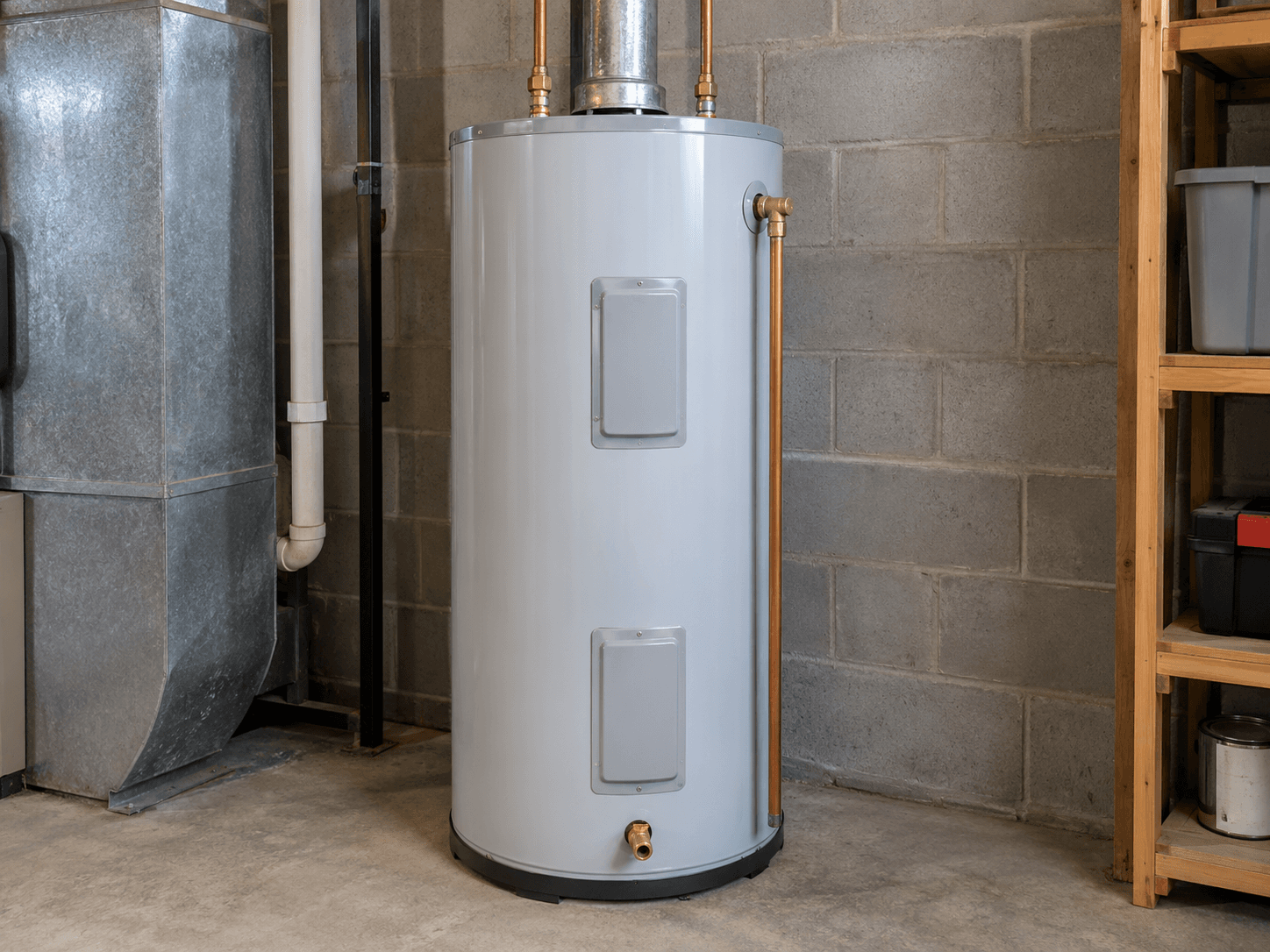
Water heater
Record the type, approximate age, and any model information you can find on the unit or label.
Useful to note: Type and approximate install year.
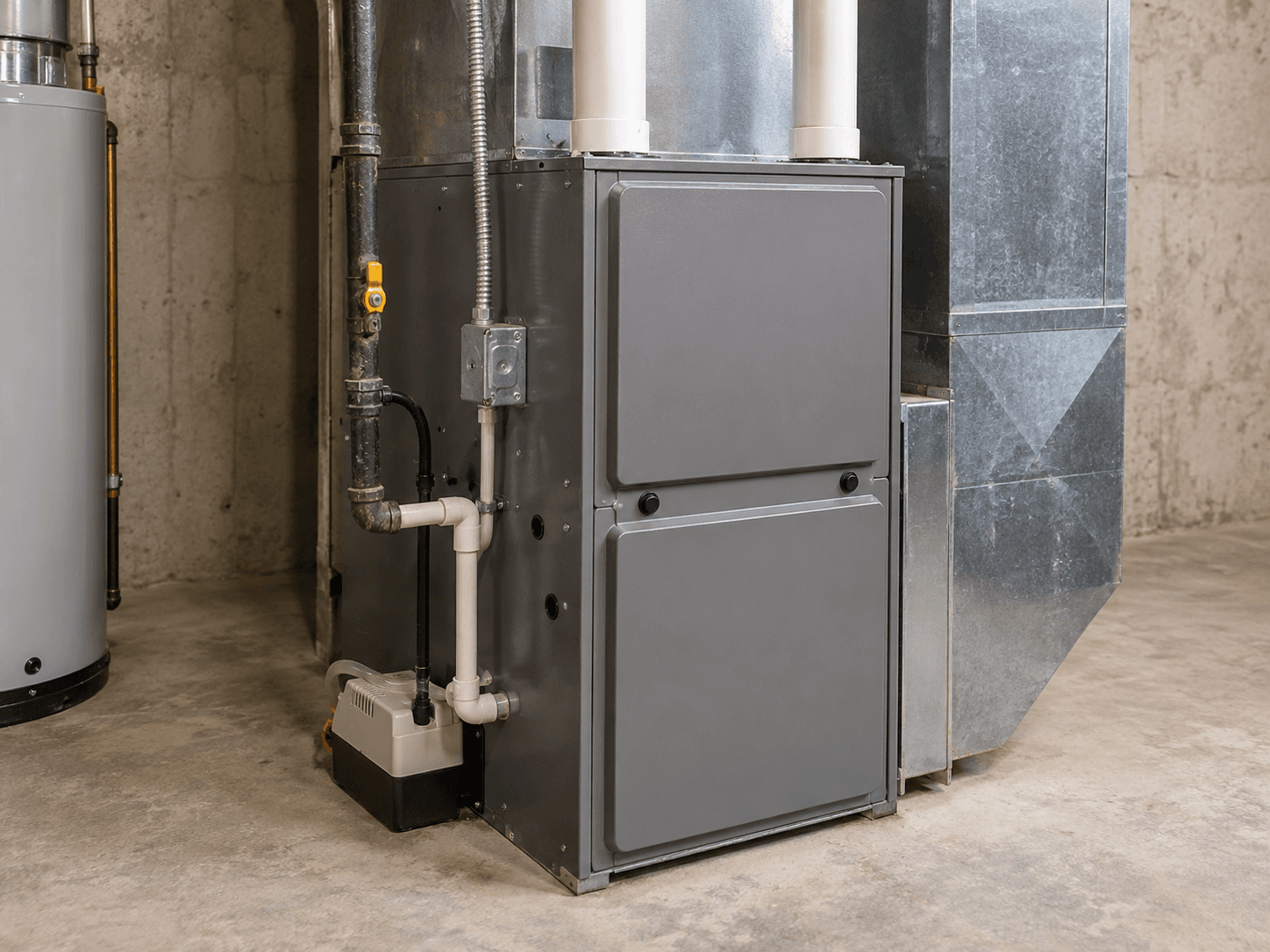
Heating
Identify the primary heating system, such as a furnace, boiler, heat pump, or other equipment.
Useful to note: System type and approximate install year.
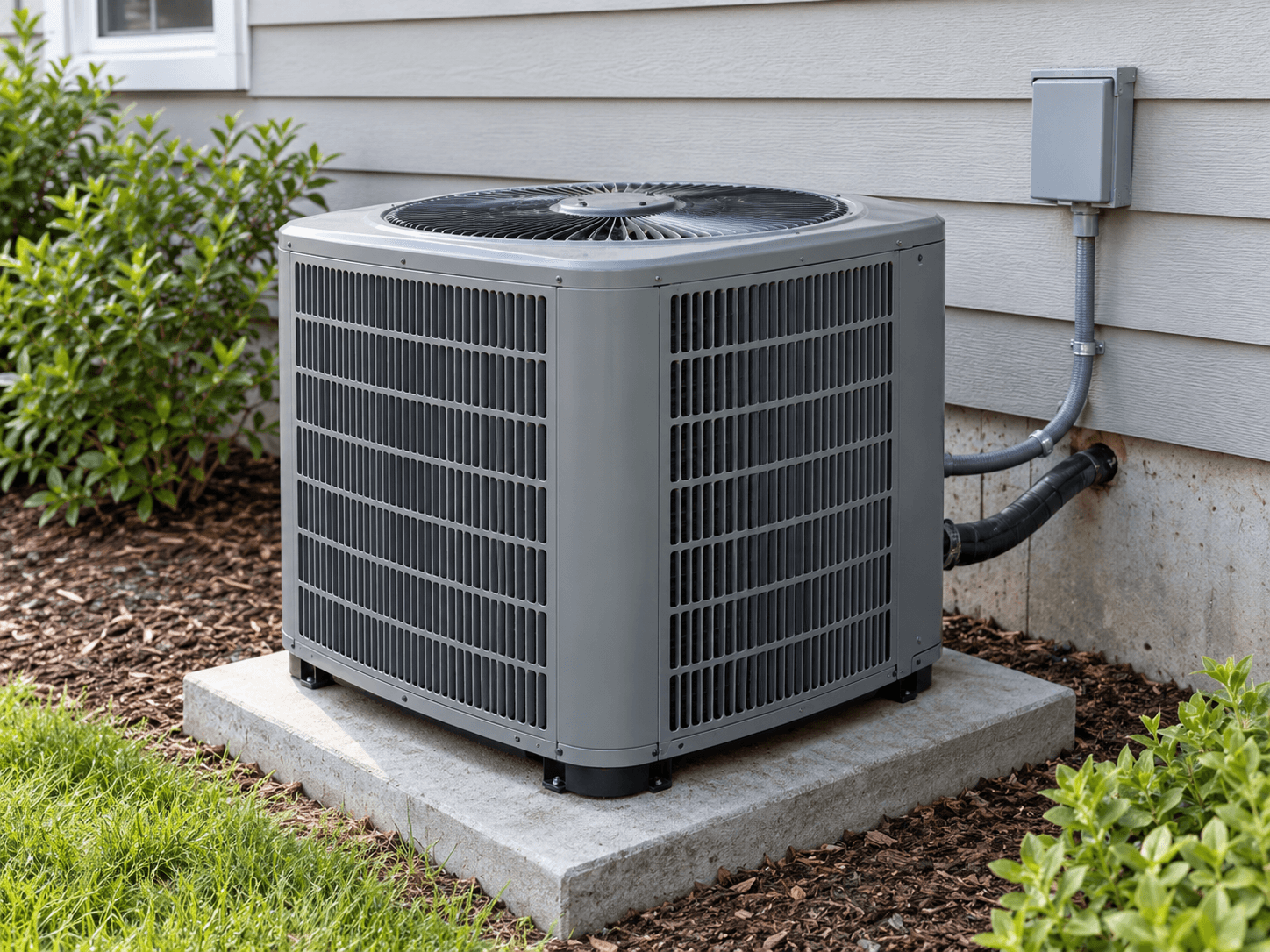
Cooling
Identify the primary cooling system, whether central air, a heat pump, mini-splits, or another setup.
Useful to note: System type and approximate install year.
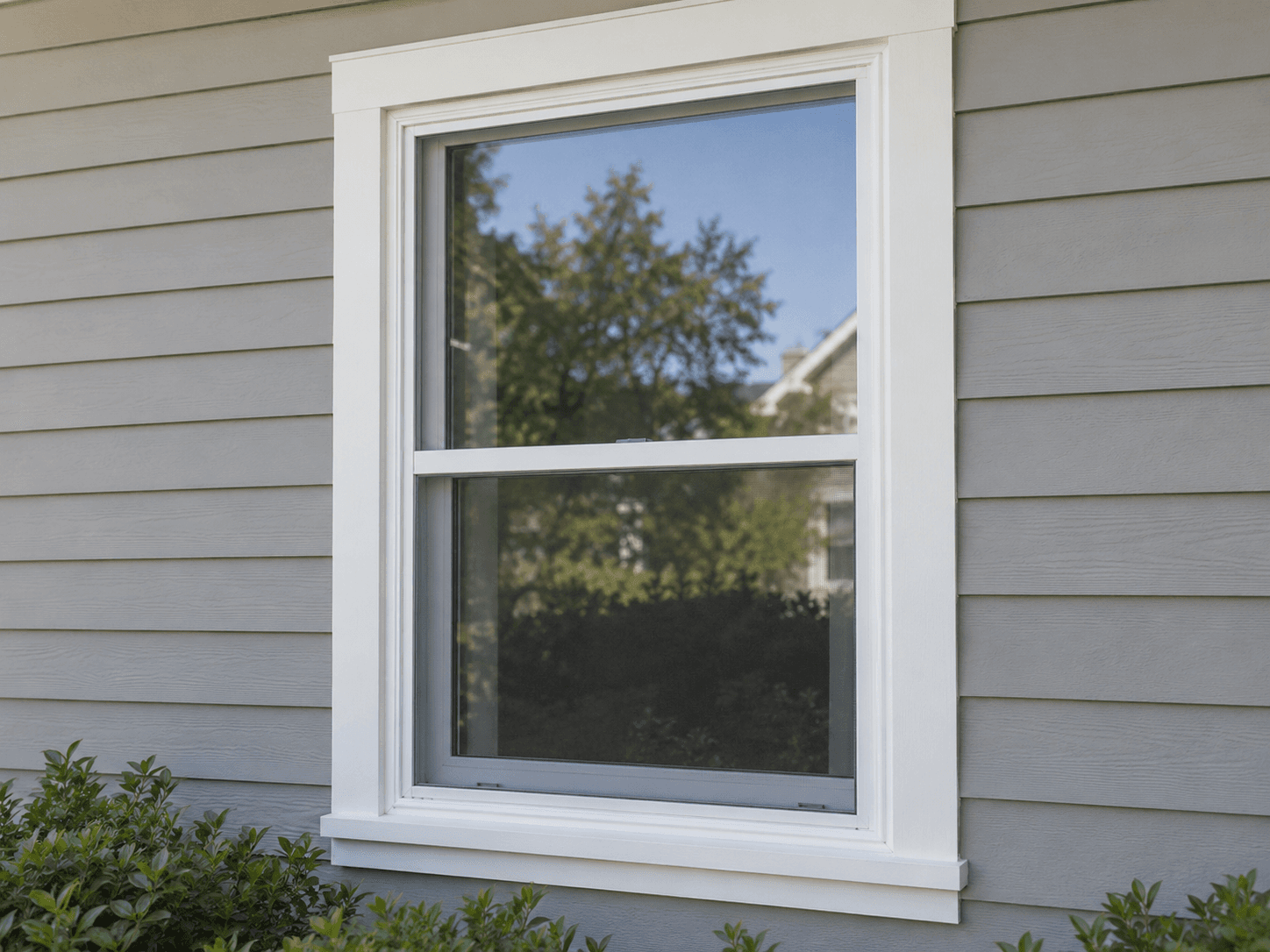
Windows
Note whether the windows are original, replaced, or a mix across the property.
Useful to note: Approximate age or replacement history.
Exact dates are not required. A reasonable estimate gives Capza enough context to start, and you can refine it later.
Once a system is in Capza, its age and lifecycle context become part of the record.
Add what you know
Start with the basics. Add more detail when it is useful.
- Always
The basics
What the system is and when it was installed, replaced, or approximately dated.
- Optional
A little more
Make and model, condition, serial number, location, and notes when you have them.
- Optional
Photos and documents
Photos, receipts, warranties, manuals, permits, and other records that belong with the system.
Photos and documents
Photos and documents are optional. When you have them, keeping them with the system makes the record easier to understand later.
Come back anytime
Your record does not need to be finished. Add to it when work is done, something is replaced, or new information turns up.
Day one
A few major systems.
Later
More of the property.
Over time
Repairs, replacements, projects, and records build a useful history.
An incomplete record can still be useful. Each addition gives the property more context.
You can start with one.
Start with one major system. The rest can follow when you have the information.